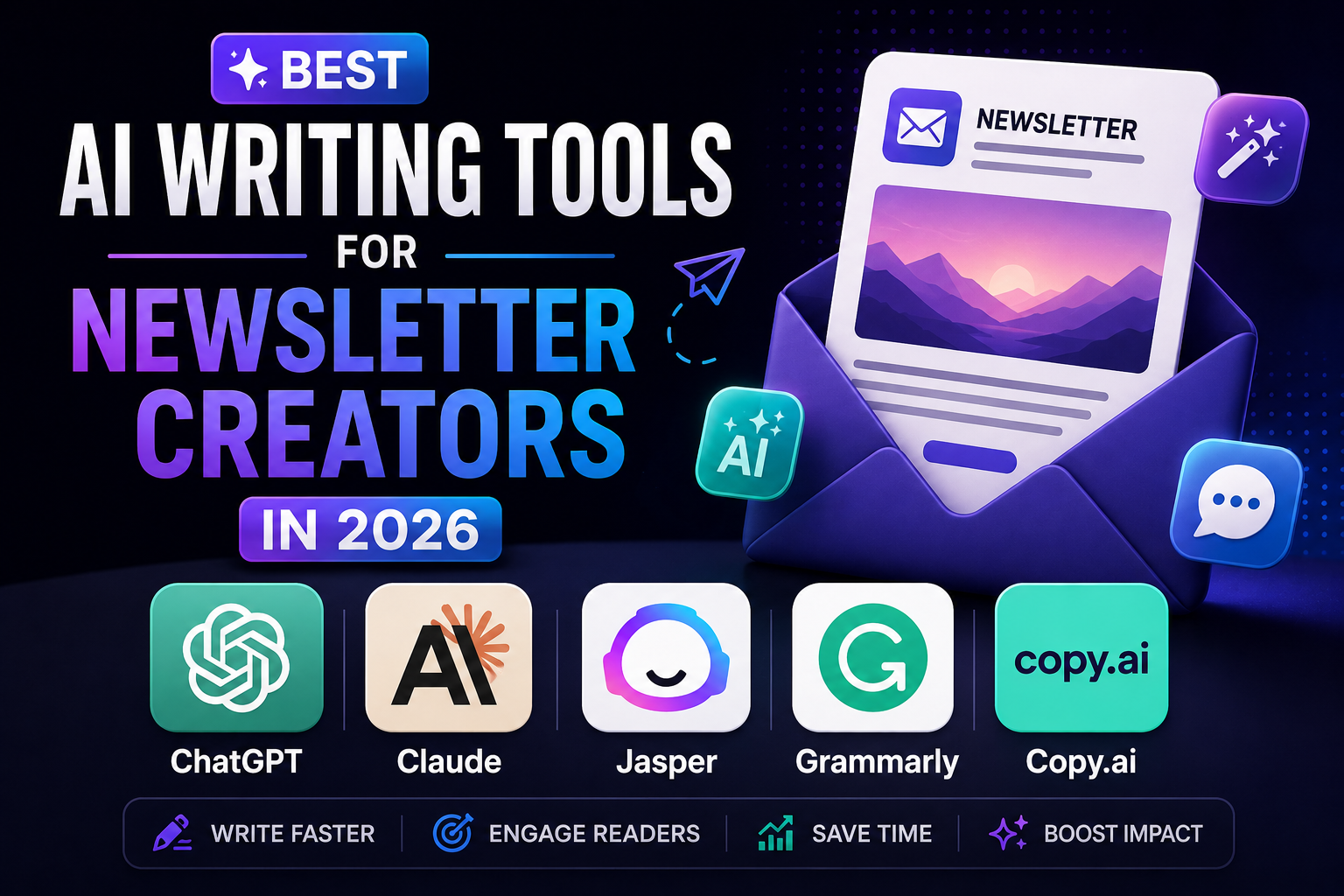
Finding the best AI writing tools for newsletters can save you hours every week — but only if you pick tools that fit how newsletters actually get written. Running a newsletter means writing constantly: subject lines, intros, body copy, social promos, and everything in between. At some point, most creators start looking for AI tools to speed up the process without losing their voice.
I’ve tested a handful of these while writing for TrendSpends, so here’s an honest rundown of the ones actually worth using, what they’re good at, and where they fall short.This roundup of the best AI writing tools for newsletters focuses only on ones I’ve actually used myself.
Disclosure: This post may contain affiliate links. If you sign up through a link, I may earn a commission at no extra cost to you. I only recommend tools I’ve actually tried.
What to Look for in an AI Writing Tool for Newsletters
Before the list, a quick note on what actually matters for newsletter writing specifically, since it’s different from general blog or ad copywriting:
- Tone control — your newsletter has a voice; a tool that only produces generic corporate copy will hurt more than help
- Long-form capability — some tools are built for short ad copy and struggle past a few paragraphs
- Editing over generating — the best use of AI in a newsletter is usually tightening your own draft, not writing it from scratch
- Speed — if a tool adds friction to your workflow, it defeats the purpose
Keep these in mind as you go through this list of the best AI writing tools for newsletters.
1. ChatGPT (OpenAI)

The most flexible option on this list, and the one I reach for most often. ChatGPT works well for brainstorming subject lines, restructuring a messy draft, and generating outlines before you write the real thing.
Best for: Brainstorming, outlining, and editing existing drafts Watch out for: Left unguided, it defaults to a generic, slightly robotic tone — you’ll need to give it examples of your own writing to keep it sounding like you
2. Claude (Anthropic)

Claude tends to produce longer-form writing that reads more naturally than most alternatives, and it’s particularly good at holding onto a specific tone across a long piece if you give it clear examples upfront. It’s a solid choice if you’re drafting full newsletter issues rather than just short snippets.
Best for: Long-form drafts, maintaining consistent voice across an entire issue Watch out for: Like any AI tool, it still needs your own editing pass to sound authentically like you, not like an AI imitation of you
3. Jasper

Jasper is built specifically for marketing and content teams, with templates aimed at things like email sequences, subject lines, and ad copy. If you want a more structured, template-driven approach rather than an open chat interface, Jasper fits that use case well.
Best for: Teams or creators who want built-in templates rather than starting from a blank prompt Watch out for: Pricier than general-purpose tools, and probably overkill if you’re a solo creator just writing one newsletter a week
4. Grammarly

Not a generative writing tool in the same sense as the others, but essential for newsletter creators regardless. Grammarly catches typos, awkward phrasing, and readability issues before you hit send — the kind of small errors that quietly undermine trust with subscribers.
Best for: Final proofreading pass before publishing Watch out for: Its tone suggestions can sometimes push your writing toward generic “safe” phrasing — use your judgment on which suggestions to accept
5. Copy.ai

Copy.ai leans heavily into short-form marketing copy — subject lines, CTAs, social captions to promote your newsletter. It’s less useful for full-length newsletter body content, but a solid pick specifically for the promotional side of running a newsletter.
Best for: Subject lines, social captions, and short promotional copy Watch out for: Output can feel repetitive across multiple generations if you’re not varying your prompts
Best AI Writing Tools for Newsletters: Which Should You Use?
Realistically, most creators end up using a combination rather than just one:
- ChatGPT or Claude for the actual writing and editing of your newsletter body
- Grammarly as a final proofreading pass before you hit send
- Copy.ai if you’re specifically struggling with subject lines or social promotion copy
My own workflow for TrendSpends is writing the first draft myself, using an AI tool to tighten structure and catch anything I missed, then a final Grammarly pass before publishing. The AI never writes the whole thing from scratch — it edits what I already wrote, which is what keeps it sounding like an actual person instead of a robot.
If you’re using Beehiiv to power your newsletter, pairing it with the right AI writing tool makes the whole process faster. See my full Beehiiv review for more on getting started.
A Word of Caution: Don’t Let AI Replace Your Voice
The biggest risk with AI writing tools isn’t quality — it’s sameness. If every newsletter in a niche leans on the same tools with the same default prompts, everything starts sounding identical, and readers can tell. The newsletters that build real trust and loyal subscribers are the ones where a real person’s perspective comes through clearly, AI-assisted or not.
Use these tools to remove friction from your process, not to replace the judgment and voice that made someone subscribe to you in the first place.
Frequently Asked Questions
Can AI writing tools fully replace writing your own newsletter? Not well, at least not yet. AI tools are strongest as editing and brainstorming aids rather than as a full replacement for your own voice and judgment.
Which AI tool is best for beginners? ChatGPT is the easiest starting point since it’s flexible, widely used, and doesn’t require learning a template-heavy interface like some marketing-specific tools do.
Do I need a paid plan to get useful results? Free tiers of most of these tools are enough for occasional use. If you’re writing multiple newsletters a week, a paid plan usually becomes worth it for the higher usage limits and better output quality.
Will using AI tools hurt my newsletter’s authenticity? Only if you let the AI write the whole thing unedited. Used as an editing and brainstorming aid on top of your own draft, most readers won’t notice — and won’t mind if they do.
Final Verdict
There’s no single “best” AI writing tool for every newsletter creator — it depends on whether you need help brainstorming, drafting, editing, or promoting. For most people starting out, ChatGPT or Claude covers the writing side, and Grammarly covers the polish. Add Jasper or Copy.ai later if you specifically need templated marketing copy at scale.
The real skill isn’t picking the perfect tool — it’s using AI to remove friction from your process while keeping your own voice front and center. Whichever combination you land on, that’s the real value of testing different AI writing tools for newsletters until you find what fits your workflow.
My rating: 4/5 as a category — genuinely useful, but only as a supplement to your own writing, not a replacement for it
That’s my honest take on the best AI writing tools for newsletters right now — the right pick depends on whether you need brainstorming, drafting, or polish.